
-
All Tools
From this to this
in seconds!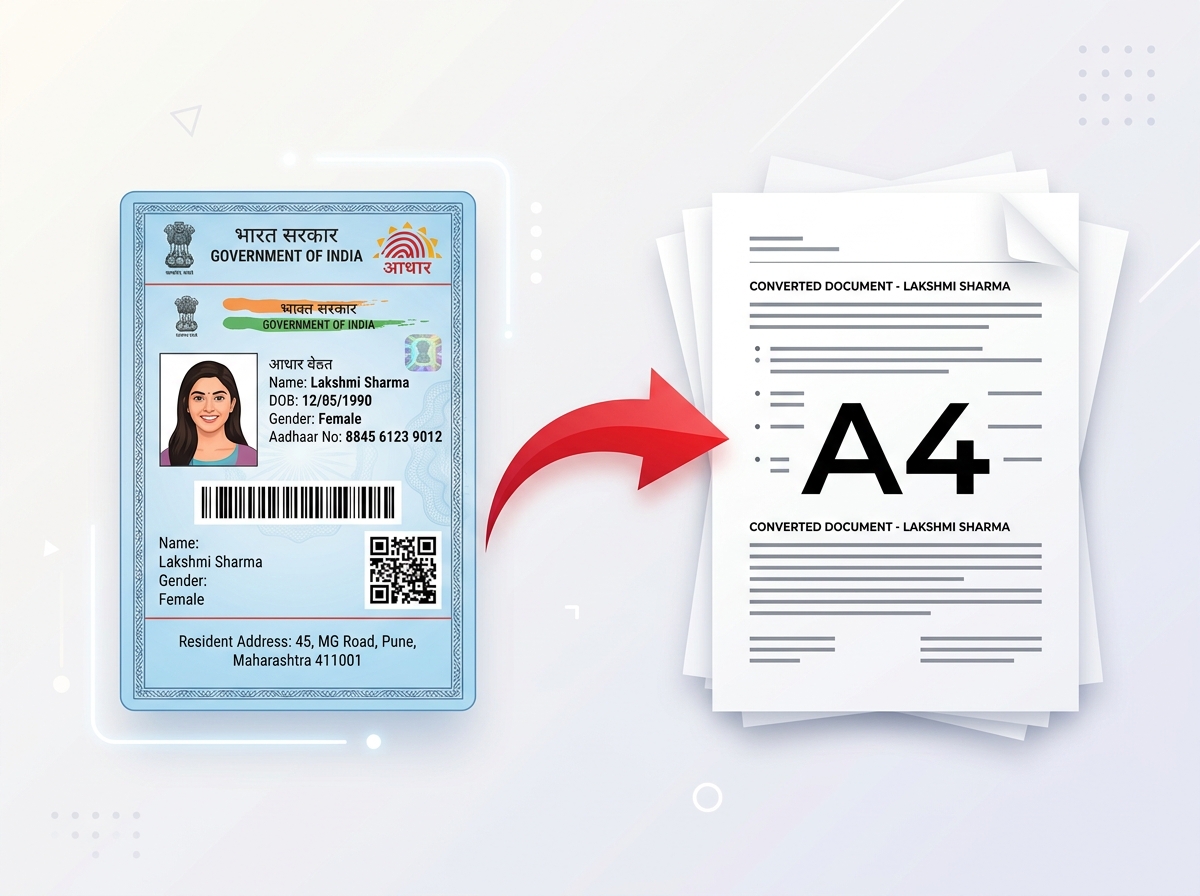 Try It NowReady to Print on A4Preserve Original SizeClean & Clear Output
 - PDF Tools
- Card Tools
- Image Tools
- Convert Tools
- QR Tools
Prepare your ABHA Health ID card for PVC printing with PixDok. Upload your ABHA card PDF or image, adjust the card layout, prepare the front and back, preview the result, and download a print-ready file.
Upload your ABHA card PDF or image on the left to crop, align, preview, and download your printable PVC layout.
Your ABHA card is processed in your browser and backend system safely and is not permanently stored by PixDok.
Generates crisp, high-resolution printable card layouts sized for standard wallet PVC cards.
Prepare your ABHA card from any modern mobile browser, tablet, or desktop computer.
An ABHA card is available digitally, but some people prefer carrying a physical card that is easier to keep in a wallet.
PixDok helps you prepare your existing ABHA card PDF or image for PVC card printing. You can use the tool to crop and arrange the card content, prepare the front and back where supported, preview the result, and download a printable layout.
PixDok does not create or issue your ABHA number. Obtain your ABHA details or official digital card through the appropriate official ABHA/ABDM services first, then use PixDok to prepare your own copy for printing.
Follow these step-by-step instructions to convert and format your ABHA digital card or PDF into a printable PVC layout:
Obtain your ABHA digital card or supported ABHA card PDF/image through the appropriate official service. Do not tell users to obtain their official ABHA card from PixDok.
Open the tool page cleanly at /abha-card-to-pvc on PixDok using any desktop or mobile web browser.
Upload your supported ABHA document file (PDF, PNG, or JPEG format up to 8MB in size).
Crop or adjust the card area so that important information is completely visible (ABHA number, Name, Photograph, QR code, and essential text).
Use the manual alignment sliders to fine-tune the front side and back side positioning if needed for your document template.
Check the final layout carefully in the live preview window before downloading your output files.
Download the high-resolution front PNG, back PNG, or combined A4 print PDF file generated by PixDok.
Take the prepared file to a compatible PVC card printer or use a suitable card-printing workflow.
Standard PVC identity cards are commonly associated with wallet or credit-card physical dimensions.
PixDok can prepare the card layout using standard wallet-sized PVC card dimensions supported by the tool, which corresponds to standard CR80 dimensions (commonly 86 × 54 mm or 3.375 × 2.125 inches). In high-resolution digital layout mode, the tool formats card crops into 1012 × 638 pixels.
The correct physical print dimensions depend on your printing hardware, template settings, and intended physical card format.
Preparing both sides of an ABHA card ensures that essential identity details, photograph, healthcare registration numbers, and QR verification codes remain legible on the front side, while terms, instructions, or secondary information are preserved on the back side.
PixDok allows you to process the source document, format the front and back sections separately, preview both sides side-by-side, and download individual PNG images or a combined printable PDF layout.
If you already have your ABHA card as a PDF, you can use PixDok to prepare the document for PVC card printing.
Upload the supported PDF, select the relevant card area, adjust the layout using the available controls, preview the result, and download the processed output.
The original ABHA PDF should be kept safely as your source document. PixDok does not alter the official ABHA record.
PixDok allows users to prepare their ABHA card layout directly through a standard web browser without requiring heavy desktop graphics software like Photoshop.
The browser-based workflow operates smoothly across supported desktop computers, laptops, tablets, and smartphones.
Yes. You can use PixDok from a supported mobile browser to upload your ABHA card PDF or image, prepare the card layout, preview the result, and download the supported output.
For best results, use the original digital ABHA card or PDF instead of a screenshot or compressed image.
To print an ABHA card on PVC after preparing it on PixDok:
Important Note: Ordinary home paper printers cannot print directly onto plastic PVC cards unless configured with special card-feeding trays and compatible inkjet PVC card media. Standard PVC card printing requires dedicated ID card printers or professional printing services.
PVC ID cards are generally designed in a wallet-sized card format. For PixDok, the tool formats the card layout using standard wallet-sized PVC card dimensions supported by the tool, represented at high resolution as 1012 × 638 pixels (86 × 54 mm physical standard).
Digital image dimensions (measured in pixels) differ from physical card dimensions (measured in millimeters or inches) and print resolution (DPI). High DPI ensure crisp text and clear QR codes when transferred onto plastic card stock.
Process your card directly online without installing heavy software.
Trim full-page letter or A4 documents into clean, compact card layouts.
Format front and back sides side-by-side ready for printing.
Review card cropping and clarity before downloading files.
Eliminate complex manual graphic design software steps.
Works with official digital ABHA PDFs as well as PNG/JPG images.
The official ABHA identity and health account are managed through India's digital health ecosystem. A PVC card prepared from your own ABHA information is a physical convenience copy for carrying or viewing that information.
Creating a printable PVC layout does not create a new ABHA number or modify your official health account.
PixDok is an independent document-processing tool and is not an official government ABHA issuing service.
Users should rely on the appropriate official ABHA/ABDM services for their actual ABHA account and official digital information.
ABHA cards contain personal health account information and identity details. Always handle your document carefully, avoid sharing files over untrusted networks, and download processed files only onto personal, trusted devices.
PixDok processes uploaded files strictly for generating your requested card layout. Files are isolated and managed securely in temporary session storage.
Crop digital ration card PDFs into front and back printable layouts.
Open Tool →Create passport-size photos with correct background and crop dimensions.
Open Tool →Upload your ABHA card PDF or image and prepare a clean, printable card layout with PixDok.