
-
All Tools
From this to this
in seconds!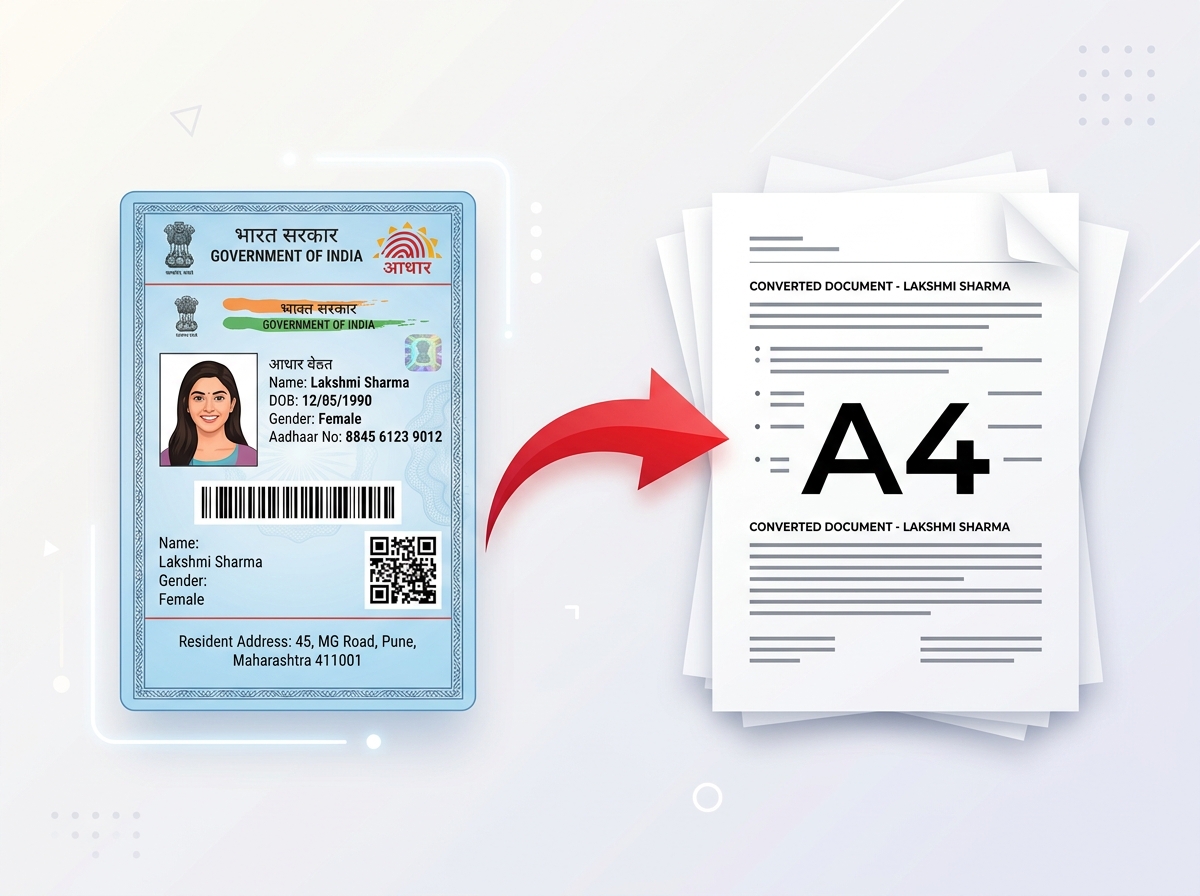 Try It NowReady to Print on A4Preserve Original SizeClean & Clear Output
 - PDF Tools
- Card Tools
- Image Tools
- Convert Tools
- QR Tools
Edit. Enhance. Create.
Everything You Need,
Right in Your Browser.
Edit PDFs, remove image backgrounds, enhance photos, create passport photos, compress images, and generate QR codes — all quickly and securely in your browser.
Remove Background




auto-deleted
Popular Tools
View all toolsPDF Editor
Edit text, images and pages
Compress PDF
Reduce PDF size without losing quality
Merge PDF
Combine multiple PDF files
Split PDF
Extract pages from PDF easily
Image to PDF
Convert images to PDF
Smart ID to A4
Crop & print ID cards on A4
Remove Background
AI background remover
AI Photo Enhancer
Enhance and improve image quality
Passport Photos
Create passport-size photos
Image Cropper
Crop JPG, PNG & WebP images
Image Compressor
Compress images in seconds
HEIC to JPG
Convert Apple HEIC to JPG
PDF OCR
Extract text from scanned PDFs
QR Code Generator
Generate custom QR codes
Barcode Generator
Generate custom barcodes
Free Online PDF & Image Tools
PixDok brings powerful PDF, image, and document tools together in one simple online workspace. Edit PDFs, merge and split files, compress documents, convert images to PDF, extract text with OCR, remove image backgrounds, enhance photos, create passport photos, compress images, and generate QR codes.
Use PixDok directly in your browser without installing software. Whether you need to edit a PDF, reduce a file size, prepare a passport photo, remove an image background, or convert a document, PixDok makes everyday file and image tasks fast and easy.
Explore All ToolsPassport Photo Maker in Action
See how PixDok automatically removes backgrounds, resizes photos to official passport specifications, and creates print-ready passport photos in seconds.
Explore By Category
Why PixDok?
Browser Based
No installation required
Privacy First
Your files never leave your device
Lightning Fast
Process files in seconds
Works on Mobile
Smooth experience on all devices
No Installation
Use instantly in your browser
100% Free
All tools are free to use
How It Works
Upload File
Choose your file or drag & drop it
Choose Tool
Select the tool you want to use
Download Result
Get your file instantly. That's it!
Loved by Thousands of Users
View all reviews
PixDok makes my work so easy! I compress and edit PDFs every day.

The background remover is amazing. Perfect results in seconds.

Best free tool I've used. Clean, fast and super reliable.

I love the passport photo maker. Super convenient and accurate.

Extremely fast PDF compression. It shrank my 20MB file to 2MB instantly.
Frequently Asked Questions

Ready to power up your productivity?
Join millions of users who trust PixDok for their daily document tasks.